Motion videoYour product, in motion
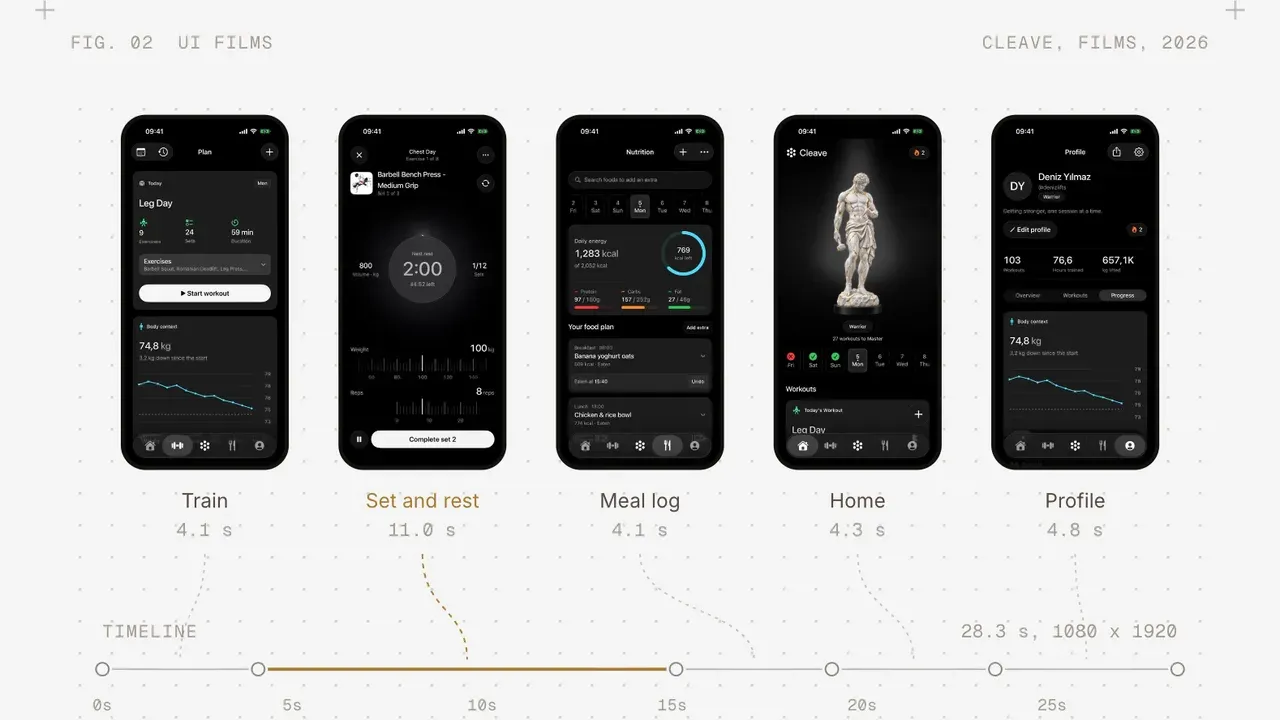
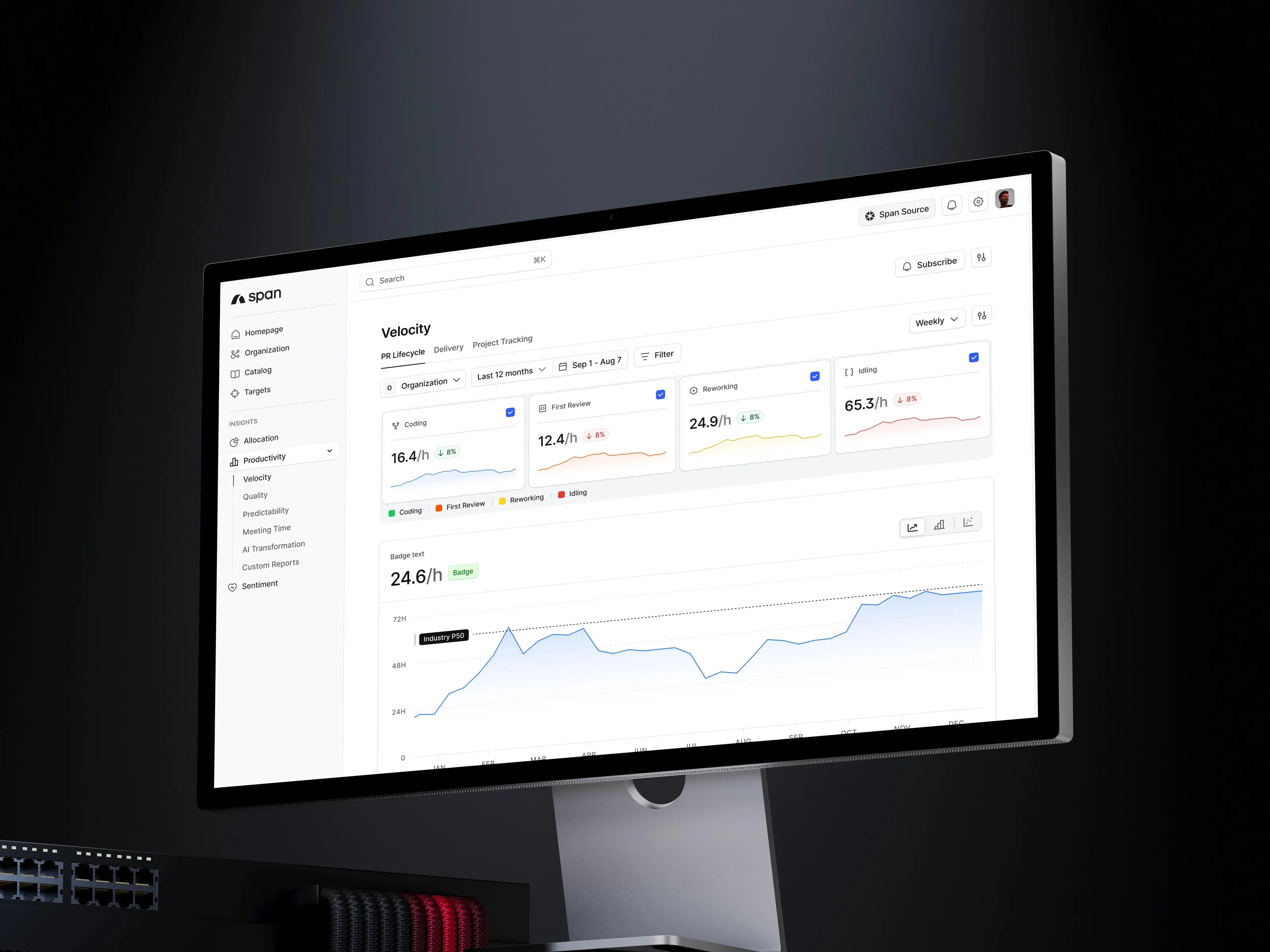
Product demo videos made from your real interface: the screens move the way the app does, with a story, a voice and sound around them. One master, cut for every channel you launch on.
Who it is forWhere your launch is now
- 01
You launch without a film
Launch day is set and nothing on it moves. We make the product film people watch and pass on. - 02
Your screenshots sit still
The store page and the site show flat screens. We put the real interface in motion so people see how it works. - 03
Every channel wants its own cut
One film, and each channel asks for a different length and frame. We cut and frame it for each.
What you leave withA film people can share
The films, their cutdowns and the project files, handed over in full.
Four steps, one teamFrom the script to the cutdowns
ScriptWrite the film first
The story, the lines and the moments the product appears, agreed with you before anything moves.
BoardBoard every shot
Each shot drawn and timed in order, so you see the film before it is made.
AnimateMove the real interface
Screens recorded from the app, set in the film and animated with titles, voice and sound.
DeliverCut it for every channel
The master and its cutdowns, each framed for where it runs, with the project files.
QuestionsAbout motion video
Do you use our real interface?
Yes. We record the screens from the app itself, so the film shows what people will actually get.
Do you use AI?
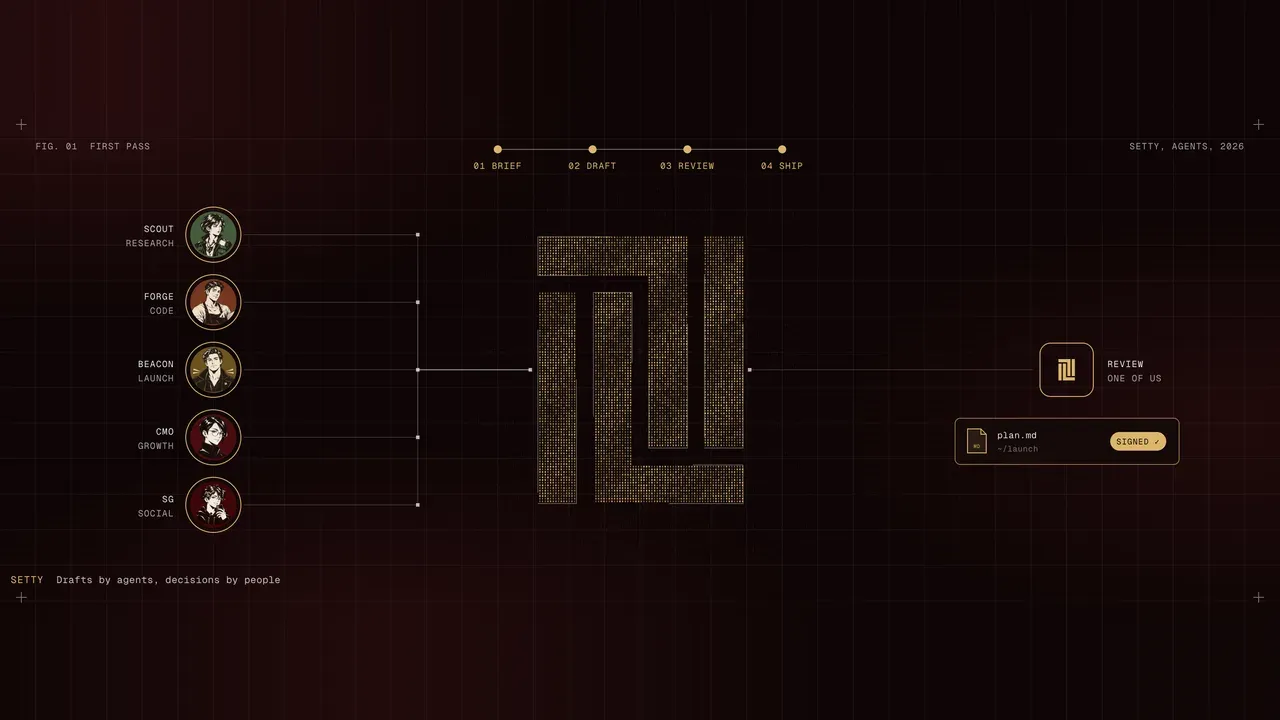
Yes, to animate scenes and characters, and we say so. The script, the edit and the product screens are made by us.
What lengths and formats do we get?
A master and every length and format your channels need.
Are voice and music included?
Yes. Voiceover, music and sound design are all part of the film.
Who owns the films?
You do: the masters, the cutdowns and the project files.
How long does it take?
On its own, it depends on the product, and we set the timeline when we scope the work. Inside Zero to launch it runs in the Launch stage, once the product is built.