Guides / Guide
From idea to launch: The Launch Path, step by stepThree stages, one path
The whole path we take a product down, from the first call to launch day, with what you decide and what you get at each step.
Taking a product from idea to launch with us runs in three stages, Idea, Build and Launch, in that order, each ending with a sign-off. Idea decides what to build and gives it a name and a look. Build makes the product and its site, with a working build you can click through every week. Launch makes the films and hands everything over. Run end to end, the path takes about 12 weeks for a first version on one platform.
Who this guide is for
You have an idea for a product, or an early version of one, and you are trying to work out what it takes to get it in front of people. Maybe you have a deck and some conversations behind you. Maybe you have a quote from a studio and are not sure what is in it.
This guide walks through the path we take with founders, which we call The Launch Path. It has three stages: Idea, Build and Launch. For each one we set out what happens, what you decide, and what you have at the end. Even if you never work with us, the decisions are the same ones you will face with any team, so it should help you plan.
From idea to launch at a glance
The three stages run in order, and each ends with a sign-off.
- Idea ends with four signed-off strategy documents and a brand with its tokens.
- Build ends with a working product on one platform, the site it launches with, and the systems under both.
- Launch ends with the product films, their cutdowns and the handoff.
When we run the whole path, we call it Zero to launch. It takes about 12 weeks from kickoff to launch, for a first version on one platform. Payment is split in three. 50% is due at kickoff, then 25% when the build starts and 25% at launch, and each of those two follows a sign-off. There is no public price: we scope each project on its own, and for budgets of $50k and up we quote on the first call, once the scope is clear.
Two promises hold across all three stages. You see a working build every week once the build starts. And the code lives in our private repository while we work, then moves to you at handoff.
If your product is already live and has users, the path starts differently. That is Relaunch, covered near the end of this guide.
Stage one: Idea
The Idea stage turns what is in your head into decisions on paper. It covers two services, product strategy and branding, which run side by side.
Product strategy
Product strategy answers what to build and why. It starts with listening. Before kickoff we read everything you have: the deck, your notes, any user conversations, any analytics. On the first call we ask about what is not written down yet, such as who you picture using the product on the first day and what they use today instead.
Then we look at the market the way your users see it. That means the tools they use now, the reviews they write about them, and the workarounds they put up with. From there we write four documents, each signed off with you:
- The positioning sets out, on one page, who the product is for, the problem it solves, and why people would move over from what they use today.
- The core flows map the few paths that make the product worth using, end to end, with every state included: empty, loading, error, returning user.
- The MVP line puts every feature on one list and draws a line through it. What sits above ships first, and what sits below waits, with a written reason.
- The build plan sets the order of work, so the first week of the build already ends in something you can open.
We wrote a separate note on how we scope an MVP that goes into the MVP line in more detail.
Branding
Branding runs alongside the strategy work, so the product and its identity grow up together. If the product has no name yet, we name it. We give it a voice, draw its mark, and set its type and color. Then we turn those into tokens the build can use directly, and write a short guide so anyone can apply the brand after we hand it over.
Doing this in the first stage means that by the time there are screens, there is a brand to put on them, and nothing has to be restyled at the end.
What you decide in the Idea stage
Everything in the later stages is checked against what you decide here.
- Who the first version is for. One group, described clearly enough that you could find ten of them.
- What goes above the MVP line, and what waits.
- The product’s name, and how it should sound when it speaks.
- Whether the build plan’s first slices are the right ones to start with.
What you have at the end
Four signed-off strategy documents, and a brand with its tokens and a short guide. They are yours whether or not you continue. If you do, they go straight into the build with the same team.
Stage two: Build
The Build stage is where the product becomes real. It covers three services: app development, web design and development. They run together, because the app, the site and the systems under them have to agree with each other.
App development
App development designs and builds the product itself, for the web or for mobile, starting from the build plan. The work is cut into slices. A slice is a thin piece of the product that works from the screen down to the data, so each week ends with something that runs.
Every week you get a working build you can open on a link or install on your phone (for iPhone apps, Apple’s TestFlight is the usual route for test builds), with a short note on what changed, what to try and what is still rough. You click through it and tell us what you think, and that feedback shapes the next week’s slice. We wrote about this in more depth in why we show you a working build every week.
Web design
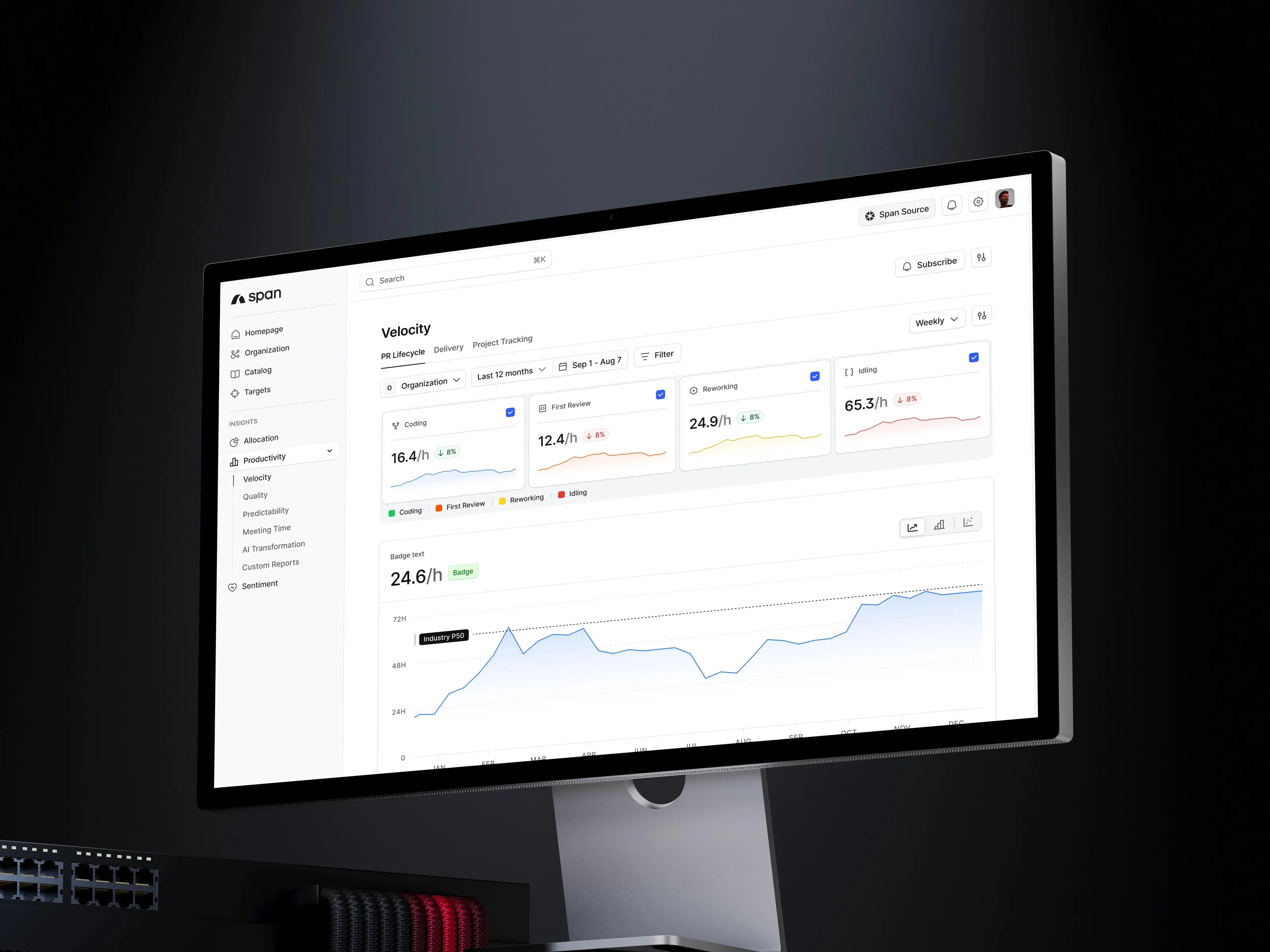
Web design builds the site people find before they find the product. We write it with you, design it on the product’s own system, and build it to load fast. The groundwork for search comes with it: page titles, share images, structured data and search verification, the basics Google sets out in its SEO starter guide. Because it shares the product’s tokens, the site and the app stay in step when either one changes.
Development
Development covers the parts users never see: the server, the data, and the services your product leans on, such as payments, push notifications, AI features and accounts. We build them, test them and write them down, so your own team can carry them on later.
What you decide in the Build stage
- The slice for each week, agreed with us at the start of the week.
- Your feedback on each build. A few honest lines are enough.
- Which items move above or below the MVP line as you learn. The line can change, as long as it changes on purpose and in writing.
- [Who opens and owns the domain, cloud and app store accounts: to confirm per project.]
It helps a lot to have one person on your side who makes the call when feedback conflicts.
What you have at the end
A working product on one platform, the site you will launch with, and the systems under both. All of it lives in the private repository, which is transferred to you at handoff.
Stage three: Launch
The Launch stage makes the films that introduce the product. Its service is motion video.
Motion video
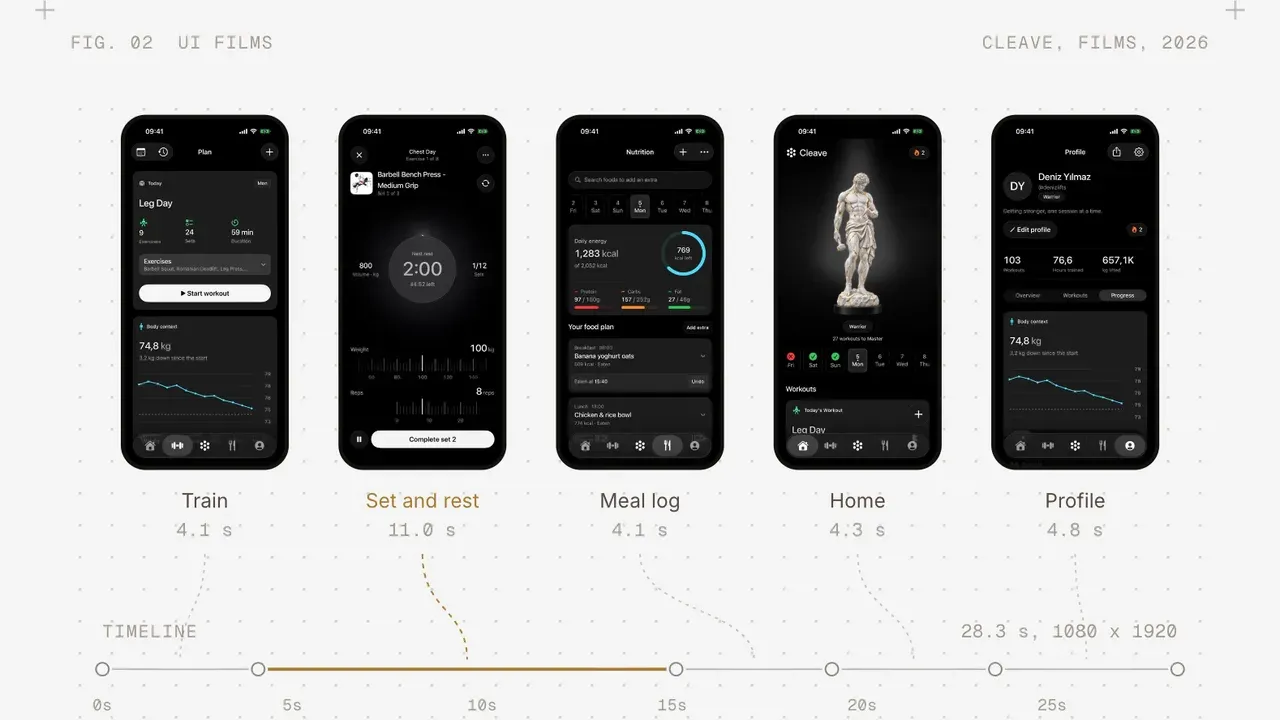
We make product films from your real interface. The screens are recorded from the app and animated the way the app moves, with a story, a voice and sound around them. We make one master film and then cut it down for every channel you launch on, in the sizes each one needs.
For some films we also use generative video and image models to build scenes around the product, such as a place or a mood we could not film. The product itself is never generated. What people see in the film is what they get when they open the app. Our note on how we use AI covers where we use these tools and where we do not.
What you decide in the Launch stage
- The story the film tells, and who it speaks to. This usually comes straight from the positioning page.
- The channels you launch on, which decide the cuts we make.
- The launch date, once the product and the films are ready.
What you have at the end
The films and their cutdowns, the product live, and the handoff: the repository, the brand guide, and the documents from every stage.
How sign-offs work
Each stage ends with a sign-off, and the payments at build start and at launch each follow one. Inside a stage, decisions are written down as they are made, so a sign-off is a check of things you have already seen, and rarely a surprise.
If something needs to change after a sign-off, it can. We write down what changed and why, and agree what it means for the plan before anyone starts on it.
The path on our own products
We build our own apps the same way, from idea to launch.
- Galance is a Mac app for culling photos and trimming videos. It runs fully offline, never changes the originals and needs no account.
- Cleave is an iOS app that plans your training and your meals in one place.
- Secda is an iOS prayer app with prayer times, a qibla compass and the Quran, made for Turkish speakers.
Each one goes through the same path, from the first sketch to launch, and we run them ourselves. You can see all three on our apps page.
If your product is already live
Relaunch is for products that already have users, usually after a raise. It starts with a two-week audit of what is live, which ends in a written plan. After it, the path runs through Build and Launch, ending in a relaunch film. Since there is already a product to learn from, the Idea stage is mostly replaced by the audit.
Questions to answer before you start
Whoever you build with, it helps to have answers to these before the first call. Rough answers are fine.
- Who is the first version for? Describe one person, as specifically as you can.
- What do they use today instead, and what annoys them about it?
- What is the one flow that has to work on launch day?
- Which platform do they reach for first: a browser, an iPhone, an Android phone, a Mac?
- Who on your side will click through the builds and make the call when opinions differ?
- When do you need to be live, and what is driving that date?
If you can answer most of them, you are ready for the Idea stage. If you cannot, the Idea stage is where we work them out together, at the start of the path from idea to launch.