Insights / Article
MVP development process: a build every weekProgress you can click
Every week of the build ends with a version you can open and use. Here is what that looks like, and what it asks of both of us.

Our MVP development process rests on one habit: we show you a working build every week, so you can judge the product by using it. At the end of each week of the build there is a version you can open on a link or install on your phone, with a short note on what changed, what to try and what is still rough. You click through it, tell us what you notice, and that shapes the next week. This is how our app development stage runs.
The problem with status updates
When you hire a team to build your product, most of what you get back for the first months is words. A weekly email, a progress bar, a call where someone shares their screen. All of it is honest, and almost none of it lets you check anything yourself.
From the outside, that is the hardest part to judge. It is hard to know whether a product is coming together when the only evidence is someone saying it is. Screenshots do not help much, because a screenshot of a screen says nothing about whether the screen works.
The Agile Manifesto puts it as “working software is the primary measure of progress”, and the weekly build is how we apply that.
What a working build every week includes
It is the real product as it stands that week, built from the same code that will ship. It runs where the product will run: in a browser for a web app, on your phone for a mobile app. For iPhone apps, Apple’s TestFlight is the usual way to get a build like this onto a phone before release. Every screen in it does what it shows.
Parts of it are unfinished, and we say exactly which. Each build comes with a short note in plain language:
- what changed since last week,
- what to try first,
- what is still rough or missing, so you do not spend time reporting it.
Where there is no real data yet, we fill the screens with demo data and label it as demo data. You should never have to wonder whether a number on the screen is real.
How a week runs
At the start of the week we agree the slice with you: the piece of the product this week’s build will add. A slice is thin and complete. It goes from the screen down to the data and back, so at the end of the week it works, even if it only does one thing.
During the week we build it. You can ask questions at any point, and we will tell you if something turns out harder than it looked, while there is still time to change the plan.
At the end of the week you get the build and the note. You click through it, ideally on the device your users will use, and send us what you think. That can be a few lines in a message. Your feedback is the first thing we look at when we agree the next slice.
You notice a wrong assumption in the week it appears.
What it changes for you
The first thing it changes is when you find things out. When you can use the product every week, you notice a wrong assumption in the week it appears. A flow that felt right on paper can feel slow in your hand, and you catch that while it is still small to fix.
The conversations around the product change too. You can open the current build in front of a cofounder, an investor or one of your first users, and show them the thing itself. And when a stage ends and you sign it off, you are signing off something you have already used.
What it asks of us
Shipping a working build every week shapes how we work. We have to cut the work into slices that each end in something that runs, which takes more planning than building all the screens first and wiring them up at the end. We keep the main version of the code in a state that always builds, the practice Martin Fowler describes as keeping the mainline in a healthy state. We test as we go, so the build you open each week runs.
And we show you work that is not pretty yet. Early builds can look plain, with real flows and unstyled corners. We would still like you to see the real state of things every week.
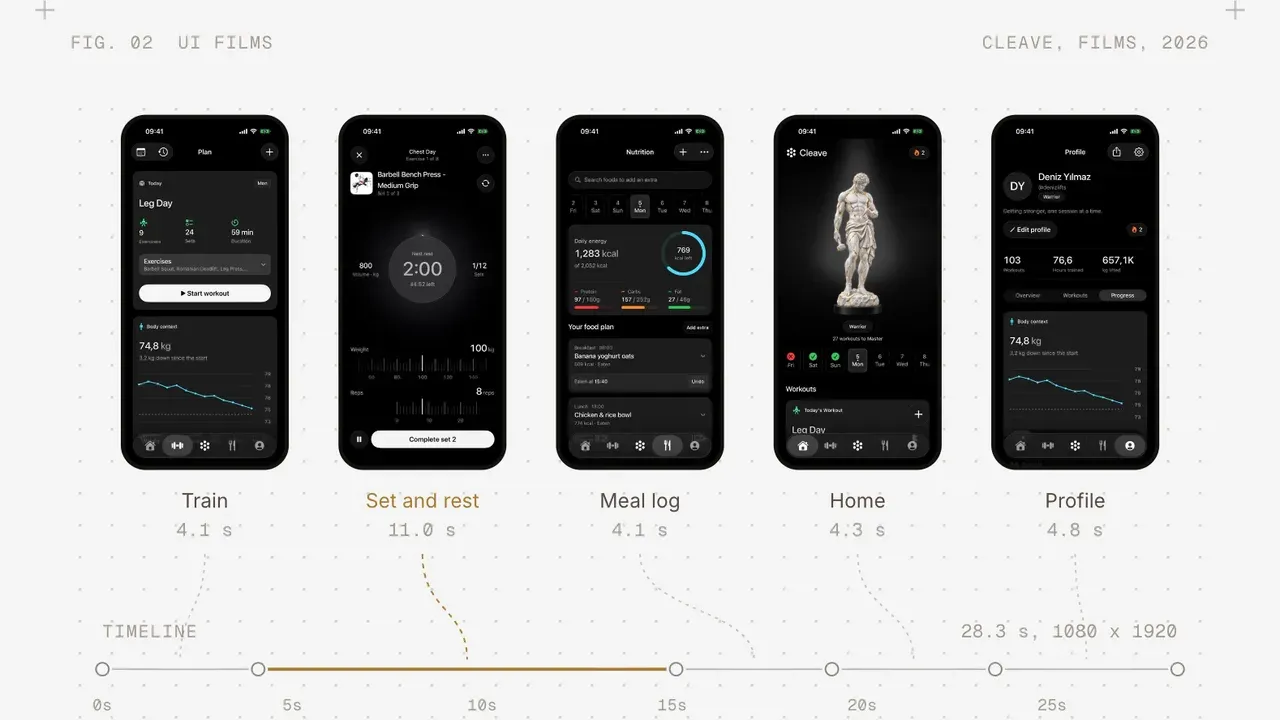
We build our own apps the same way. A change to Cleave or Secda is not done for us until we have used it on a phone, and Galance gets the same treatment on a Mac. Using the product every week catches problems that a list of finished tickets does not show.
What it asks of you
Most of it fits in half an hour a week. Open the build, try what the note asks you to try, and tell us what you notice. A few honest lines are enough.
It helps if one person on your side makes the call when feedback conflicts. If three people send three different opinions, we will bring them together, but someone has to decide which way the next slice goes.
Where the code lives
Every build comes from the same private repository. The code stays there while we work, and at the end of the project it is transferred to you. What you click through each week is the product you will own, at an earlier stage.
For how the first two weeks set up the build, read how we scope an MVP. For the whole project from first call to launch day, the Launch Path guide walks through every stage.