Insights / Article
How we make a product launch video with you in itYour phone, our script
A product launch video starts with our script and a few takes you record on a phone. We set them where the story needs and cut the film for every channel.
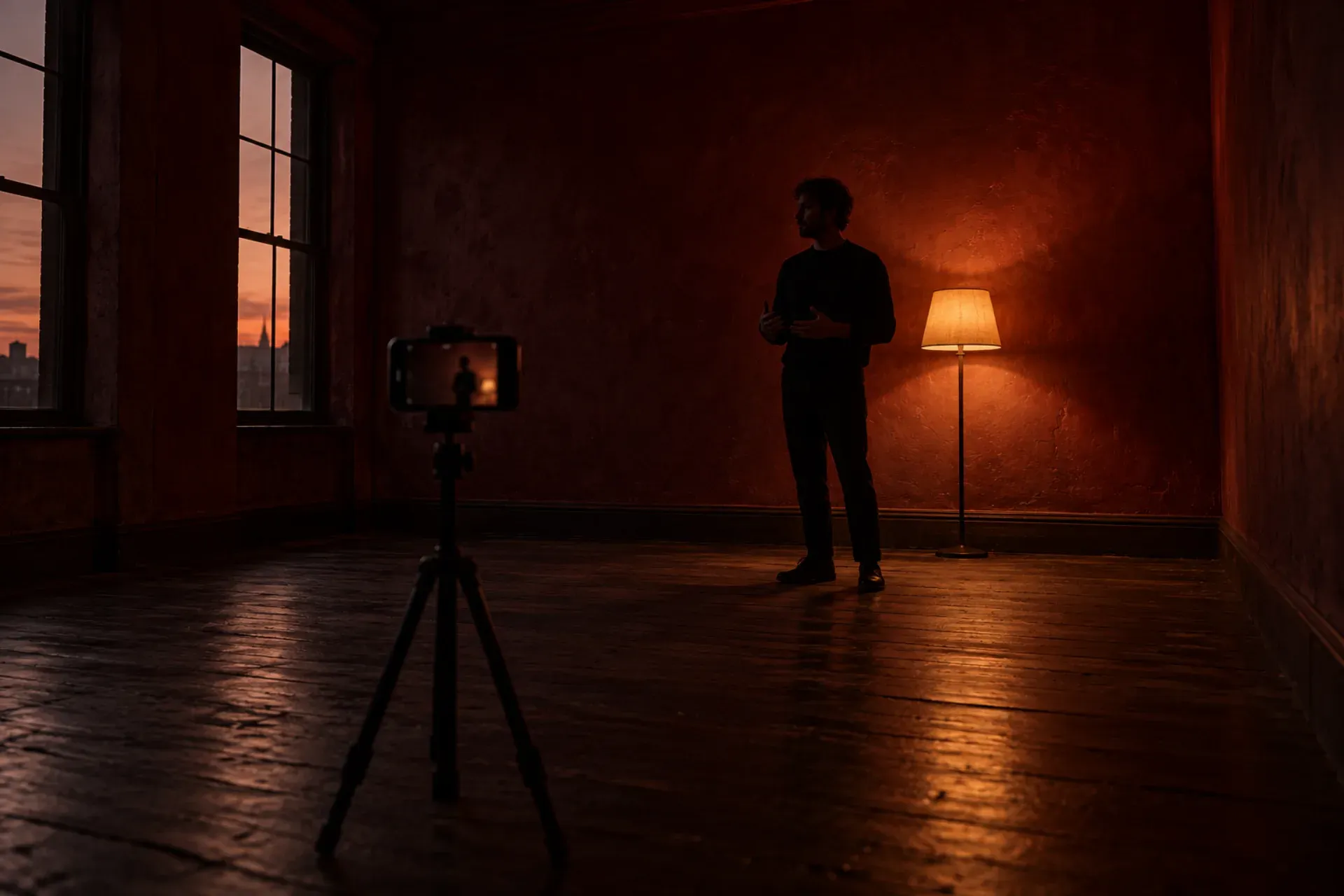
Our launch film is a product launch video with you in it, and we make it in four steps. We write the script and shot list with you. You record a few takes on a phone, at home or at the office, and we guide every one. We move those takes to the place the story needs and match the light. Then we cut one film, up to two or three minutes long, and the cutdowns for every channel you launch on. That is our launch film service, and this note walks through each step.
Who a launch film is for
You know what you want to say about your product, and there is no budget for a crew or a shoot. Or the story needs a place you cannot get to: a rooftop, a mountain, a city at night. Or you have a list of features and a launch date, and nothing yet that tells people why the product exists.
A list of features rarely carries a launch on its own. People remember a person with a reason, and the founder is usually the person with the best reason. So the film puts you in it, saying what you would say across a table, with the product in motion where it matters.
If your launch mainly needs the product itself on screen, with the interface moving the way the app does, our motion video service covers that. Many launches use both: the launch film for the story, the motion video for how the product works.
Step one: we write the script with you
Nothing is recorded until the script is agreed. We write one story, every line in it and a tight shot list, and you sign it off before you pick up the phone.
We start from what you already have: the pitch deck, notes from calls with early users, the positioning if we wrote it with you in the Idea stage. Then we look for the one thing the film should leave people with. Most first drafts try to say too much, so a lot of the work is cutting.
The lines are written to sound like you. We keep them short, so each take is a sentence or two you can say without reading. If a line feels wrong in your mouth, we change it before the day you record. The shot list then says, for every line, where you stand, which way you face and roughly how the frame looks, so the takes fit together later.
You keep the script and the shot list. Both are part of what we hand over.
Step two: you record the takes on a phone
You shoot the takes from our shot list, on your phone, at home or at the office. There is no crew and no studio. We guide every take.
[How we guide the recording, for example a live video call or notes sent take by take: confirm with Emir.]
[What we ask for on the phone side, for example camera settings, framing and sound: confirm with Emir.]
If you are not used to being on camera, that is fine. The lines are short, and we record as many takes as it needs. Since we change the place later, you do not need a good-looking room. A plain wall and steady light make our next step easier.
Short, honest takes also help the film hold attention. In an eyetracking study of web video, Nielsen Norman Group found that a talking head is boring, even for 24 seconds, when the camera and the frame stay the same. We use that as a rule when we board the film: you on screen, then the product, then a new place or a new angle, so the frame keeps changing while you talk.
Step three: we set the takes anywhere
Here we move you to the place the story needs. The story may need a rooftop at dusk, a city at night or a mountain. We put you there without the trip, and we match the light, the wardrobe and the weather, frame by frame, so you look like you were really standing there.
The places and the light are made with AI, and we say so. You, your words and your product are real. Our note on how we use AI sets out where AI goes in our work and where it stays out, and the launch film follows the same rules: a person on our team checks every frame before it reaches you.
You see the takes before and after the change, side by side. That is one of the deliverables, so you can check that the person in the film still looks and moves like you.
[How many places or scenes a launch film can have: confirm with Emir.]
Step four: the final cut and the cutdowns
The final cut puts it all together: your takes in their new places, the product in motion inside the film, titles, music and sound. The film runs as long as the story needs, up to two or three minutes.
A film that long works on your site and on a launch post. Most channels want something shorter. Wistia’s data on video length found that videos under a minute average a 52% engagement rate on social, meaning viewers watch about half. App Store product pages have their own rule: Apple allows app previews of up to 30 seconds, made from footage captured on the device.
So the same film is cut again for every channel you launch on, each cutdown cut and framed for where it runs. One long film for the site, shorter cuts for social feeds, an upright frame where the channel needs it. Every cutdown comes from the same script and the same takes, so the story stays the same wherever someone sees it first.
[Which cutdowns are included per package, with lengths and frames: confirm with Emir.]
[How many rounds of changes on the final cut: confirm with Emir.]
What you get at the end
Four things, handed over in full:
- The launch film, written, set and cut around your product.
- The cutdowns, one for each channel you launch on.
- The script and shot list, with every line and every shot.
- Your takes before and after we set them, side by side.
You also get the project files, so the film can be recut later.
How long a launch film takes
On its own, the timeline depends on the film, and we set it when we scope the work. Inside Zero to launch, the film is part of the Launch stage and comes after the build, so the product in the film is the real one. Our guide from idea to launch shows where the film sits on the whole path, and the pricing page shows how the packages and the services booked on their own fit together.
If the product is still being built, we can write the script early and record the takes once the story is clear. The final cut waits for the real product.
Before you get in touch
It helps to have three things ready: a sentence on what the product does, a sentence on why you started it, and the date you plan to launch. Bring the pitch deck if you have one. We read everything before the first call, so that call can go on the story.
When you are ready, tell us what you are building and we will come back with how a launch film would fit your launch.