Insights / Article
Web app or mobile app first: how we chooseThe questions that decide it
Zero to launch ships your MVP on one platform. These are the questions we ask to choose between the web and iOS, and what happens to the other one.
Whether to build a web app or a mobile app first, which for us means iOS, comes down to a handful of questions about your first users: where they already are, how they will find you, what the product needs from the device, how often you will change it and whether you can live with store review. We ask them together with you before the build plan is written. Inside Zero to launch, the 12 weeks cover one platform, the web or iOS, and a second one is scoped once the first is live. Our app development stage builds whichever one you pick.
Why the MVP starts on one platform
Two platforms in the same 12 weeks means every core flow is built twice, tested twice and fixed twice. Each version gets roughly half the attention, and the weekly build you click through shows half the progress on each.
On one platform the whole team works on one version of the product. The flows get their empty states, their errors and their returning users drawn and built properly. The MVP line we draw in product strategy is easier to hold, too, because “and on the other platform” is not quietly added to every feature above it.
The questions that decide web or iOS first
None of these settles it on its own. We go through each one with you and write down the answer.
Where your first users already are
Picture the first person opening the product on day one. Are they at a desk in the middle of their working day, or holding a phone while they do something else?
Tools people use at work, with a keyboard and a large screen, tend to live in the browser. So do products bought by a team, where one person signs up and invites the rest with a link. Products people reach for many times a day, away from a desk, tend to live on the phone.
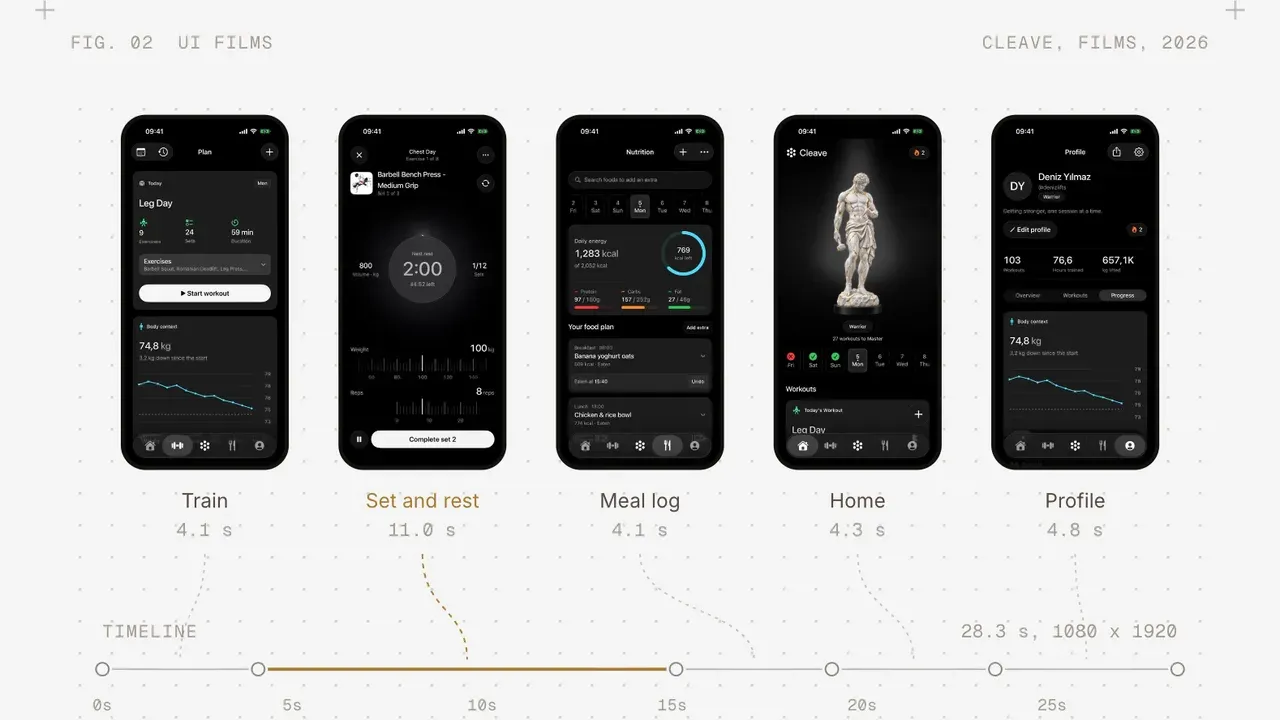
Our own apps are good examples. Cleave plans training and meals, and you log a set in the middle of a workout. Secda shows prayer times and the qibla and keeps a dhikr counter close through the day, with widgets on the home screen. Both are iPhone apps. [Why we chose iOS first for Secda and Cleave, in one or two sentences.] Galance went a third way: it is a native Mac app that runs fully offline, next to the photos on your disk, because that is where a photo shoot gets culled.
How they will find you
Think about the route your first users take to the product: a link in an investor update, a post, a sales email, a group chat. On the web that link opens the product itself.
An iPhone app sends the same link to a store page, and the person installs before they see anything. That step is small for someone who already wants the product and larger for someone who is only curious. If most of your first users arrive from a shared link, the web shortens their path. If they will search the App Store for the kind of app you make, or you plan to put a store page in front of them, iOS fits better.
What the product needs from the device
Make a list of what the product has to do on the phone itself: push notifications, the camera, health data, widgets, working offline, audio playing in the background.
The web covers more of this than it used to. A progressive web app can reach “any web user on any device with a single codebase”, as web.dev puts it. On iPhone, web apps have been able to send push notifications since iOS 16.4, but only once the person adds the site to their Home Screen, an extra step each person has to take.
Some needs still point firmly at a native app: home screen widgets, data from the Health app, reliable work in the background. If the core flow depends on one of them, that answers the question. If they are nice to have, they usually go below the MVP line and wait for the second platform.
How fast you need to change it
After launch you will want to act on what you learn quickly. On the web, a change goes live when we deploy it, and everyone has it the next time they load the page. On iOS, each new version goes through App Review first. Apple says it typically reviews at least half of submissions within 24 hours and 90% within 48. That is quick, but it is a wait on every release, and people then update the app on their own schedule. So for a while, different users run different versions.
If you expect to change the main flow every few days after launch, the web lets you do that with less friction. If the core of the product is settled and the open questions are smaller, the review wait matters much less.
Store review and the rules that come with it
The App Review Guidelines ask that an app offers more than a repackaged website (4.2), so a web product wrapped in an app shell is likely to be turned away. If you sell digital features or subscriptions inside the app, Apple’s in-app purchase rules apply (3.1.1), and that affects how you price and what you keep from each sale.
We go through these rules before the build plan is written, because they change what goes into the first version. [Whether we handle the App Store submission and the developer account for you.]
Weighing it side by side
| Question | Points to the web | Points to iOS |
|---|---|---|
| Where users are | At a desk, at work, in a team | Phone in hand, many times a day |
| How they find you | Shared links, search, email | The App Store, a store page |
| What it needs | Forms, data, collaboration | Widgets, Health, background work |
| How often it changes | Every few days after launch | Settled core, smaller changes |
| Store rules | You want to avoid review and store fees | You are fine with review and in-app purchase |
When the rows split, the first one usually matters most: a product your first users cannot reach where they are is hard to learn from.
How we see progress on each platform
The weekly builds work on both. For a web app, each week ends with a link you open in your browser. For an iPhone app, each week ends with a build on your phone through Apple’s TestFlight, before anything goes to the App Store.
What happens to the second platform
The second platform is scoped once the first is live, and that order is on purpose. By then you know which flows people use, which ones they skip and what they ask for. The second version is built from what they did.
A lot carries over. The backend, the accounts, the payments and the data stay the same, so the second platform mostly adds a new interface on top of what already runs. So do the brand tokens and the design system. When the product works on the web and your users start asking for an app, we build that app on the same system.
The code moves to your repository at handoff, so you can build the second platform with us or with your own team. [Whether we build Android as a second platform, and how a second platform is priced and timed.] The pricing page shows how a project is scoped and paid.
Bring the answers to the first call
You do not need to have decided before we talk. It helps to know who your first users are and how you plan to reach them, because those two answers usually settle most of it. We work through the rest with you in product strategy, and the platform is written into the build plan you sign off.
If you are weighing the web against iOS for your own product, tell us what you are building.